
Wahoo Smart Turbo Trainers
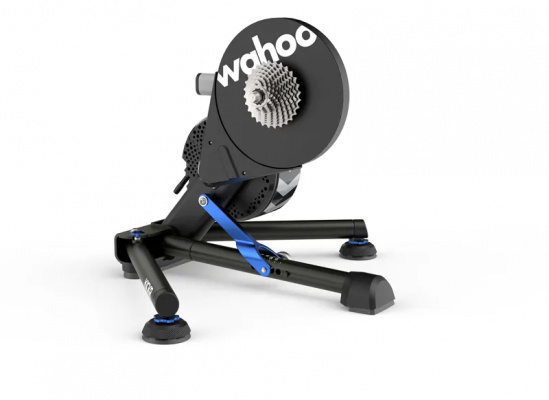
When the nights close in and the roads turn grim, Wahoo smart turbo trainers give you a genuinely compelling reason to stay productive rather than sitting out the worst of winter. These are direct-drive units - your rear wheel comes off, your bike locks straight onto the cassette - so there's no tyre slip, no roller noise, and no wasted effort. Every watt you put down goes straight into the system.
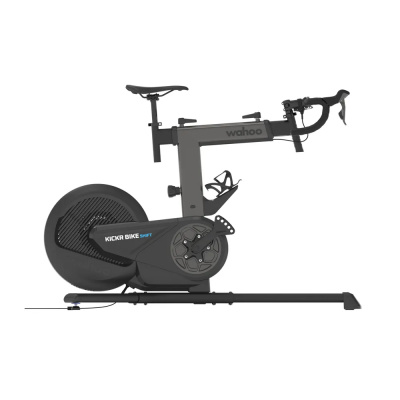
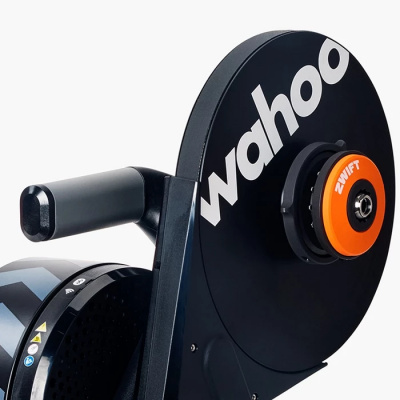
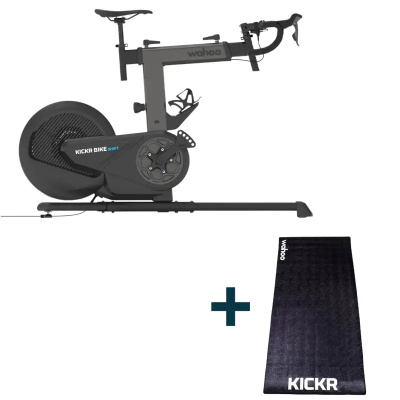
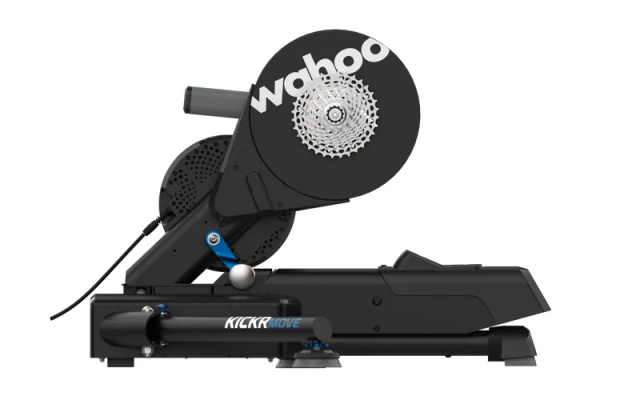
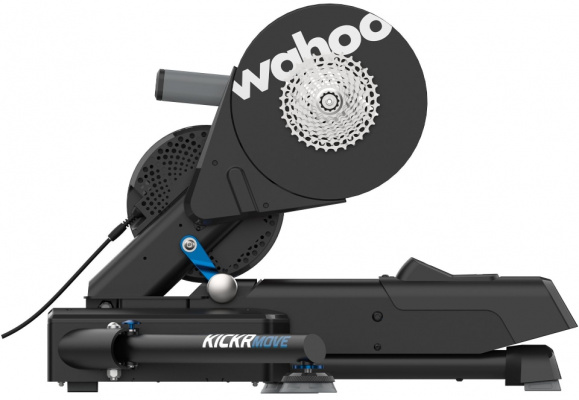
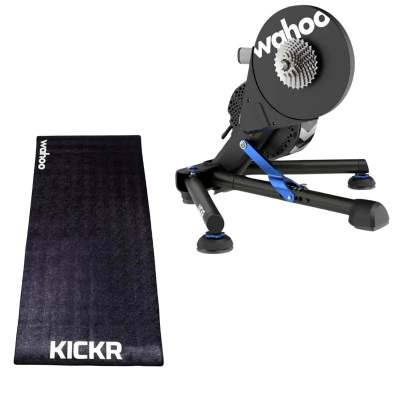
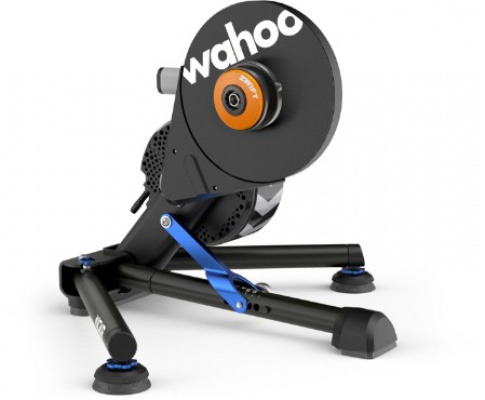
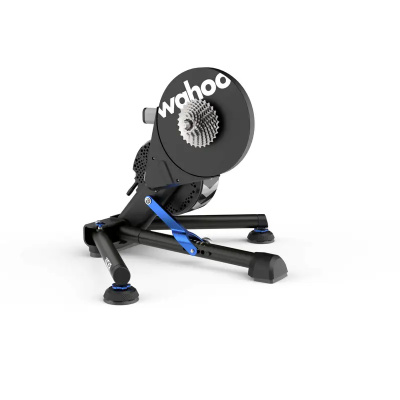
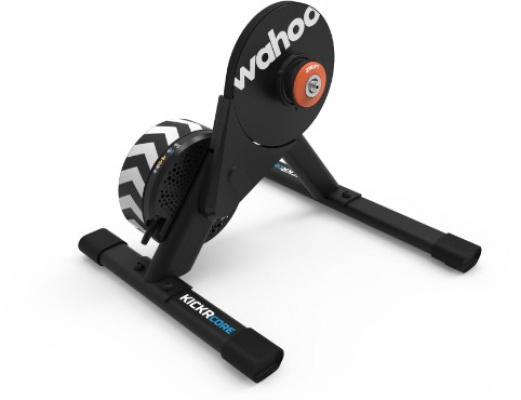
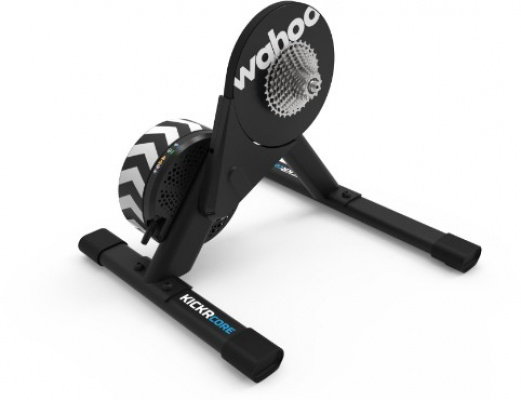
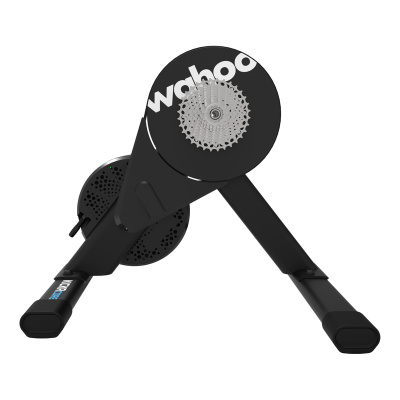
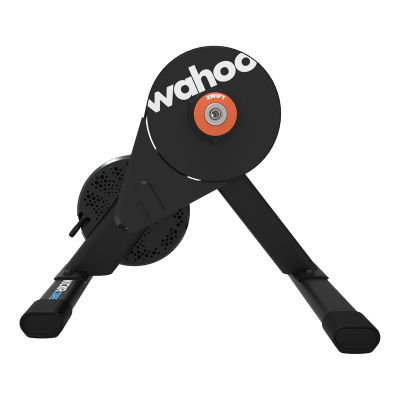
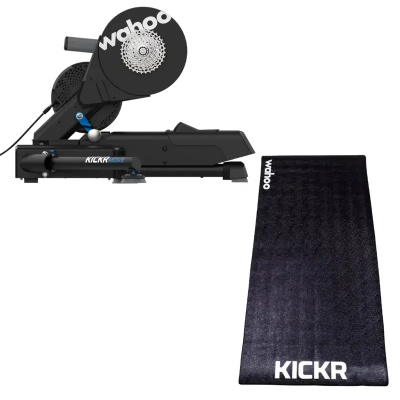
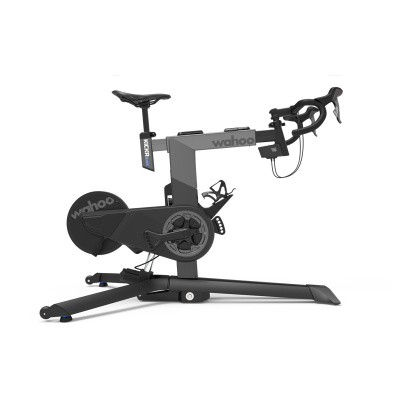
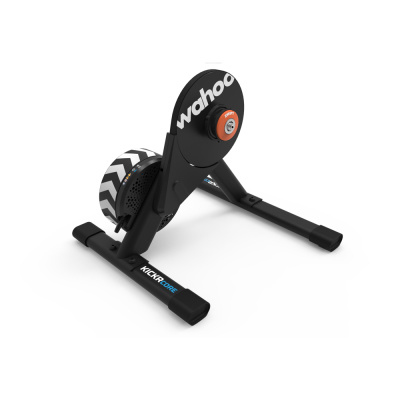
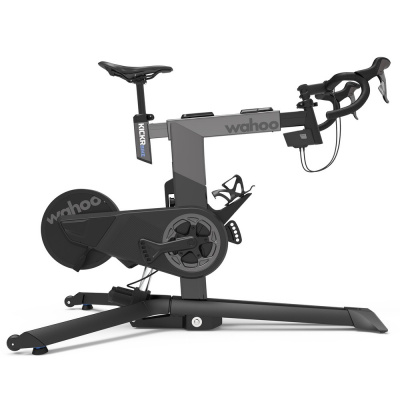
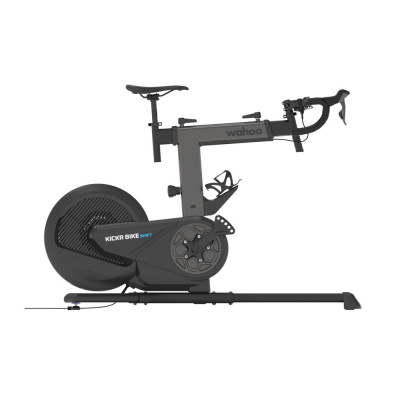
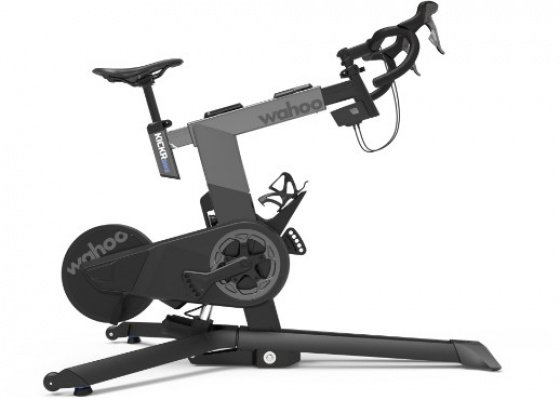
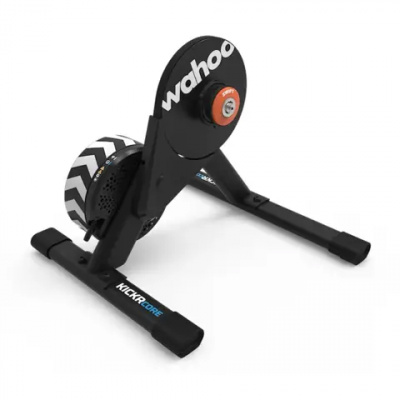
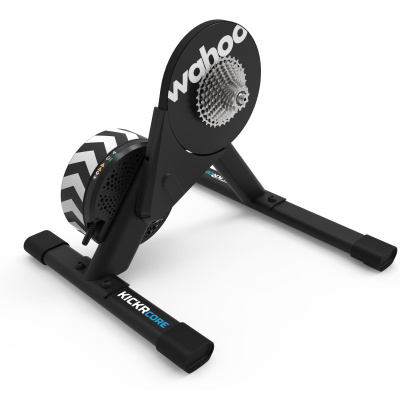
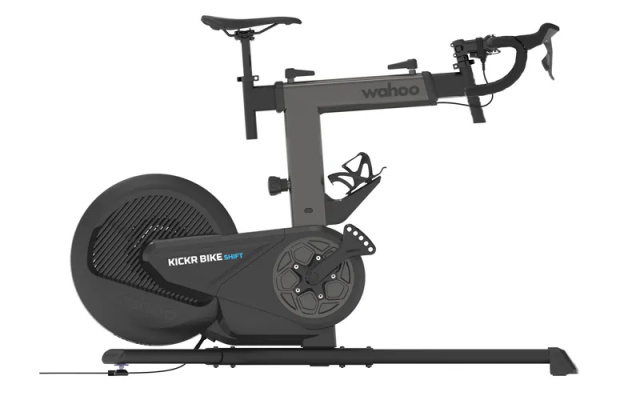
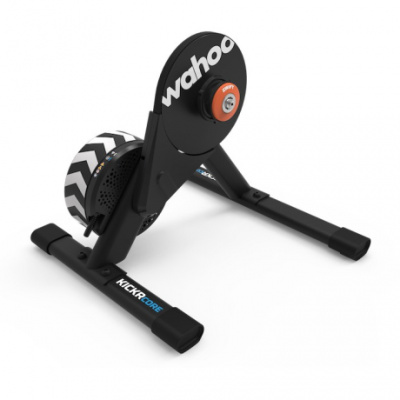
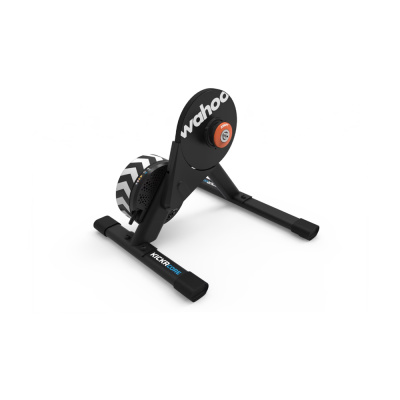
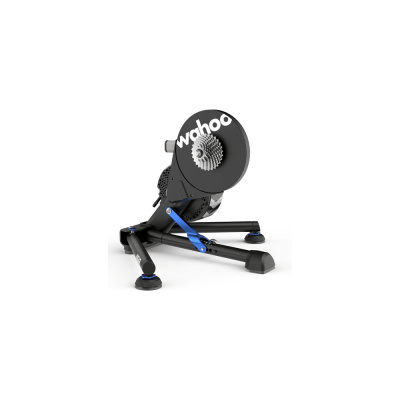
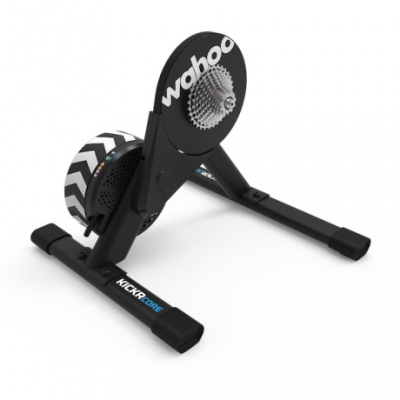
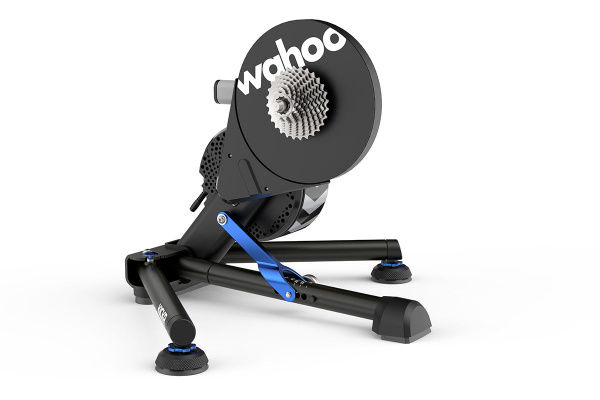
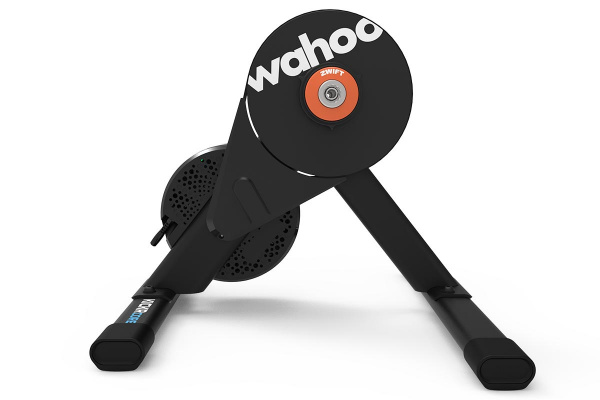
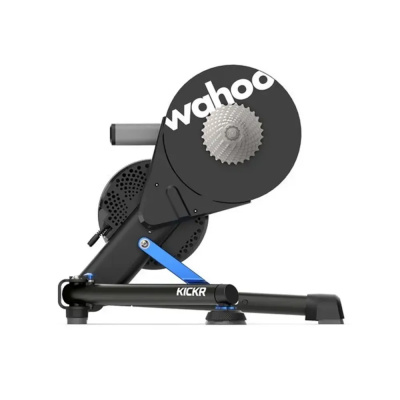
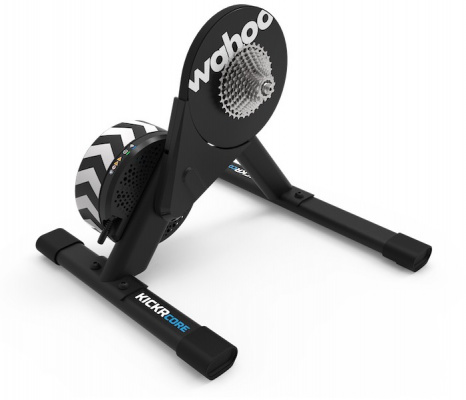
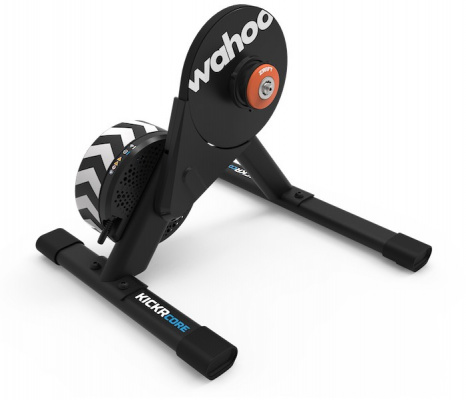
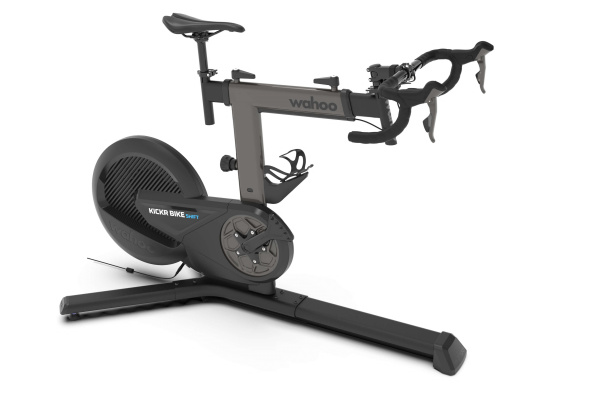
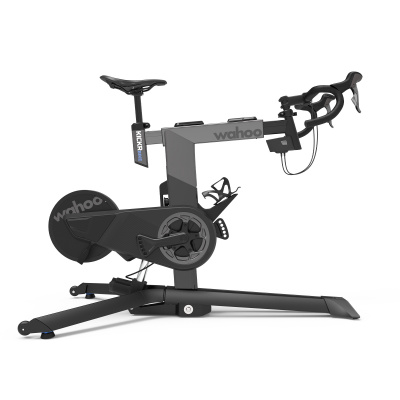
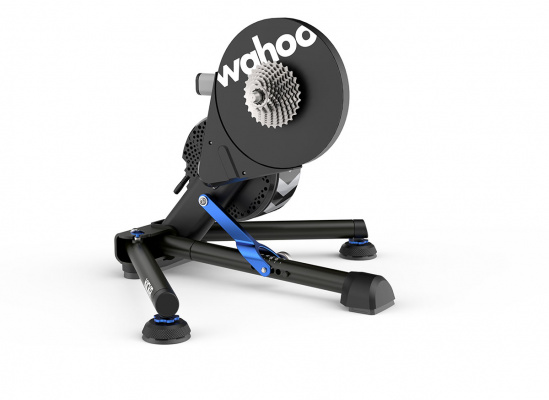
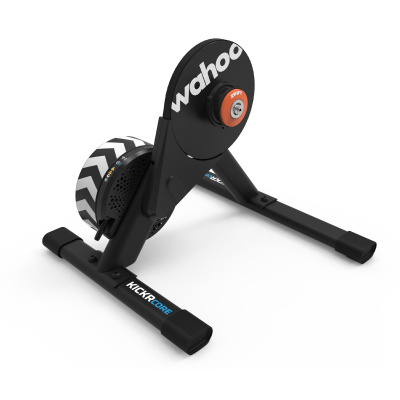
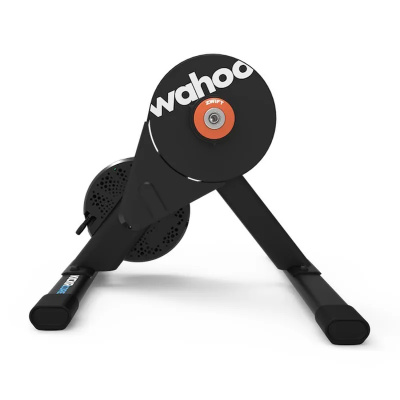
The Wahoo Kickr range runs from the Kickr Core through to the flagship Kickr V6 and the Kickr Move, each built around heavy-inertia flywheels and electromagnetic resistance that reacts fast enough to keep up with hard micro-intervals. Power accuracy sits between +/- 1% on the premium models and +/- 2% on the Core - tight enough to train meaningfully and race confidently on Zwift. Gradient simulation reaches 20% on the top-end units, which covers most of what Watopia or a virtual Alpe d'Huez will throw at you. Connectivity covers Bluetooth Smart and ANT+ FE-C across the range, with WiFi added on the V6 and Move for dropout-free racing. Whether you're chasing a structured ERG mode session on Wahoo SYSTM or sprinting through a Zwift race on a Tuesday evening, the ecosystem holds together well.
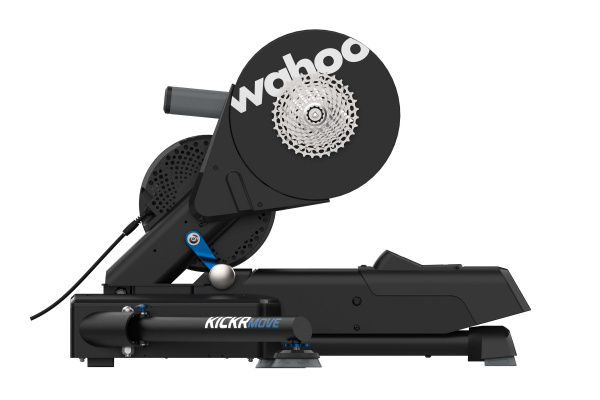
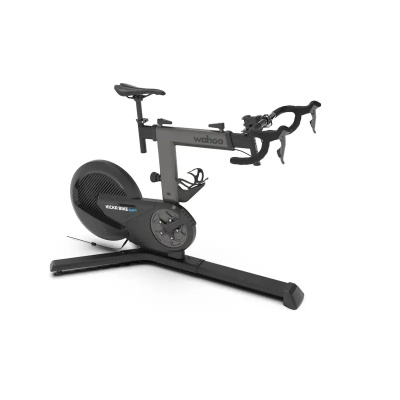
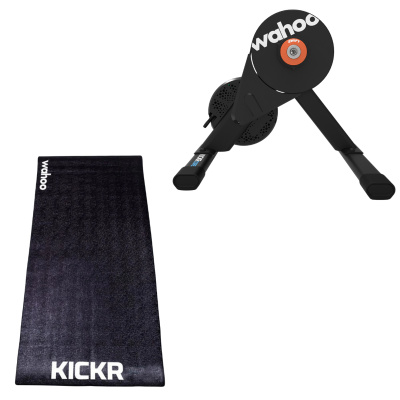
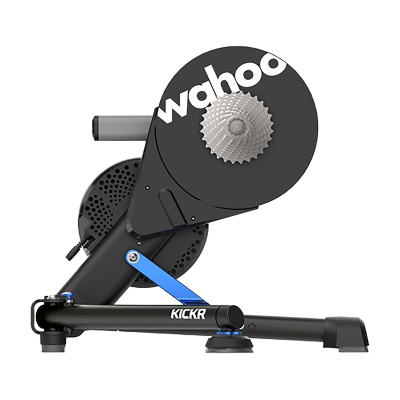
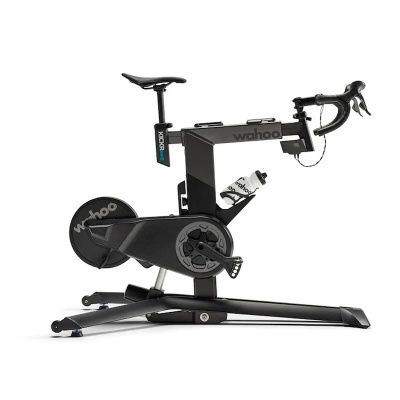
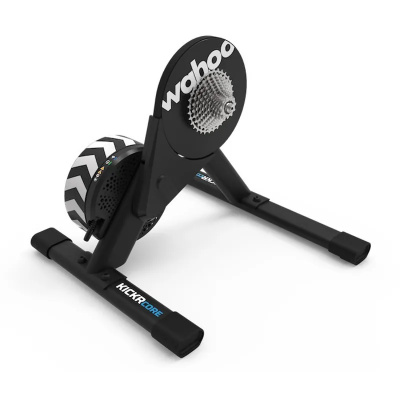
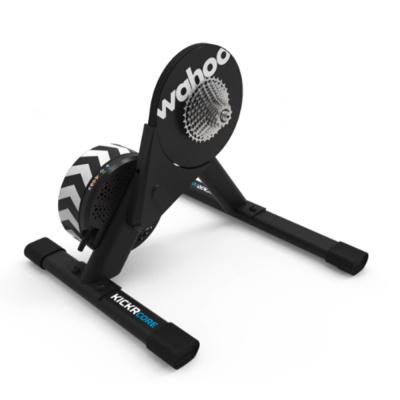
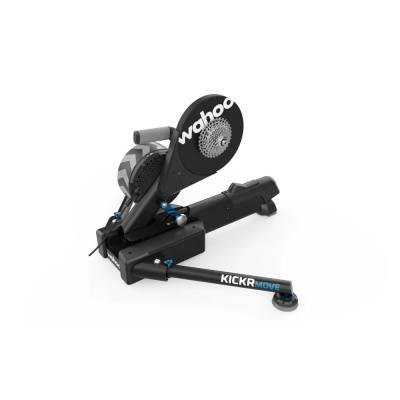
Prices and availability can change quickly. Delivery charges are not always included in listed prices.
Final price, stock status and delivery terms are set by retailer. We may receive a commission on purchases made.
Connectivity and the Kickr Ecosystem
Wahoo's connectivity stack is one of the cleaner implementations you'll find in this category. Every Kickr trainer broadcasts over both Bluetooth Smart and ANT+ FE-C, which means it'll pair with an Apple TV in the living room, a laptop running Zwift in the garage, or a Garmin head unit clamped to your bars without any adapter faff. The trainer shows up as both a power source and a controllable device, so apps can read your watts and push resistance changes back in real time.
On the Kickr V6 and Kickr Move, Wahoo added 2.4 GHz WiFi connectivity. That single addition makes a noticeable difference during Zwift races, where Bluetooth congestion - especially in flats with multiple riders on the same network - can cause brief resistance dropouts at exactly the wrong moment. If you race online regularly, it's worth factoring into your decision. The Tacx Neo range and Elite's Justo are the closest competitors here on connectivity, though neither currently matches the WiFi implementation on the Move.
The Kickr ecosystem extends beyond the trainer itself. If you want gradient simulation through a front-wheel riser like the Kickr Climb, or airflow management via the Kickr Headwind fan, those accessories plug directly into the same app-controlled setup. Check our Wahoo Adapters page for the bits that make it all bolt together properly.
How the Ride Actually Feels
Flywheel weight is the variable that shapes indoor ride feel more than almost anything else. The Kickr's 7.25 kg flywheel gives the drivetrain enough rotational momentum that accelerations out of corners on Zwift don't feel like pedalling through wet concrete - there's a sense of carry that mimics what happens when you put the power down on tarmac and the bike surges. Lighter-flywheel trainers can feel snappy and direct, but they tend to punish cadence inconsistencies harshly. The Kickr is more forgiving.
ERG mode is where many riders spend the bulk of their structured training time, and Wahoo handles it well. The resistance adjustment is smooth enough that the trainer won't spiral into the classic death loop - where it overcorrects, you slow, it tightens further, you grind to a halt - provided you hold your cadence steady through the transition. Short intervals under 30 seconds can still catch riders out if cadence drops sharply, but that's a physics limitation of ERG mode generally rather than a Wahoo-specific flaw.
Power accuracy of +/- 1% on the Kickr and Move is genuinely useful if you're correlating indoor and outdoor power data, or if your coach is setting zones from indoor tests. The Core's +/- 2% is still more than adequate for most training purposes. Auto-calibration on the V5, V6, and Move removes one variable entirely - the trainer compensates for temperature and fluid viscosity changes without you having to remember to run a spindown. For riders on the Core, that manual step matters more than it sounds, particularly in a cold UK garage in January.
Getting It Set Up and Keeping It Running
Installation is straightforward if you know what to expect. The Kickr Core doesn't include a cassette, so budget for one before it arrives - an 11-speed Shimano HG cassette fits the standard freehub, but check your drivetrain first. Thru-axle bikes need the correct adapters; Wahoo supplies a 12x142mm and 12x148mm option, but double-check your rear dropout standard. Our Wahoo Adapters and Freehub Bodies page has the specifics. If you're also in the market for a heart rate monitor to pair with the system, the Wahoo HRM Straps connect seamlessly through the same app.
Cold UK garages create one practical issue worth knowing about: in sub-5°C conditions, the electromagnetic fluid in trainers requiring manual spindowns - the Core, primarily - takes time to reach operating viscosity. Give it a proper ten-minute warm-up before running a spindown calibration, or your power readings will drift low for the first portion of your ride. This isn't unique to Wahoo, but it catches people out regularly. Saris trainers and Elite units have the same warm-up requirement on manually calibrated models.
Sweat corrosion is the other thing worth taking seriously. Unheated sheds with high humidity are hard on freehubs. Wipe the unit down after every session - particularly around the cassette and freehub body - and keep a light coat of appropriate lubricant on any exposed metal. It's the kind of maintenance that takes two minutes but saves a corroded freehub six months down the line. If you want a different indoor training option with less drivetrain exposure, the Wahoo Rollers are worth a look for recovery rides.
Related searches:
Wahoo Smart Turbo Trainers FAQs
Do I need to calibrate my Wahoo Kickr?
If you're on a Kickr V5, V6, or Kickr Move, the trainer calibrates itself automatically - you don't need to do anything. On the Kickr Core or older models, run a manual spindown calibration every two to three weeks or after moving the unit. Always warm up for ten minutes first, especially in a cold garage, or the reading will be off.
How do I connect my Wahoo smart trainer to Zwift?
Open Zwift and go to the pairing screen. Make sure Bluetooth or ANT+ is active on your device, then select your Wahoo trainer under both 'Power Source' and 'Controllable Trainer'. You need both assigned - power source reads your watts, controllable lets Zwift adjust the resistance. If it doesn't appear, power-cycle the trainer and reopen the pairing screen.
Can I use a Wahoo Kickr without being plugged in?
You can ride it unplugged, but it won't transmit power data or respond to app-controlled resistance changes. It defaults to a progressive resistance curve - pedal faster, it gets harder - similar to a traditional fluid trainer. Fine for a casual spin, but you'll lose ERG mode, gradient simulation, and all data recording until it's back on mains power.