
Garmin Gps Computers
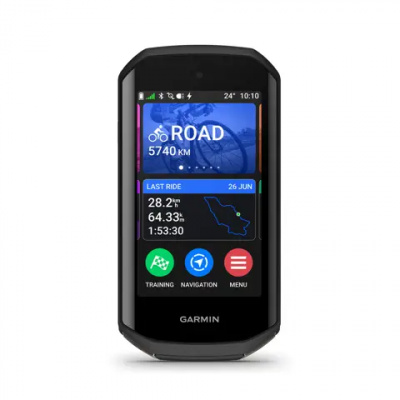
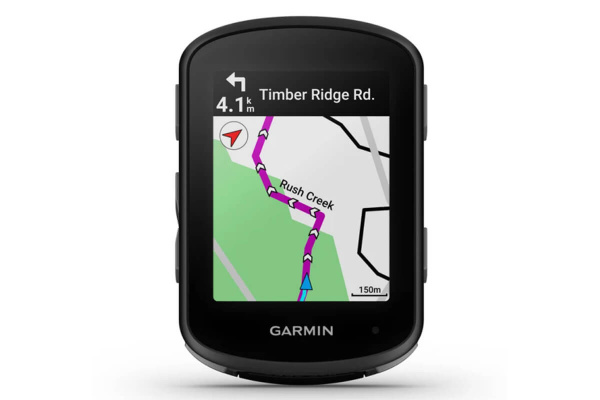
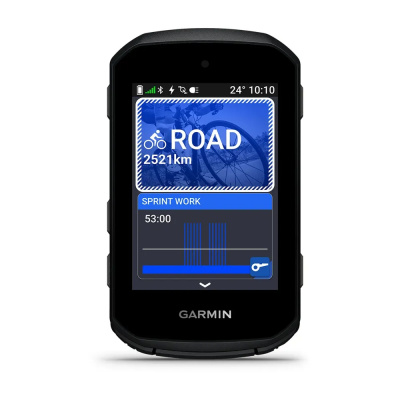
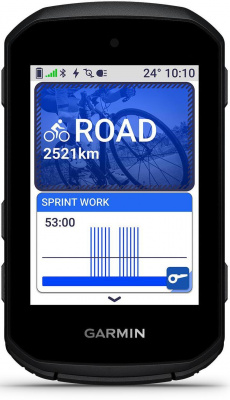
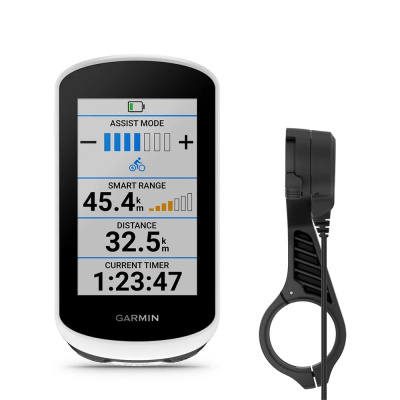
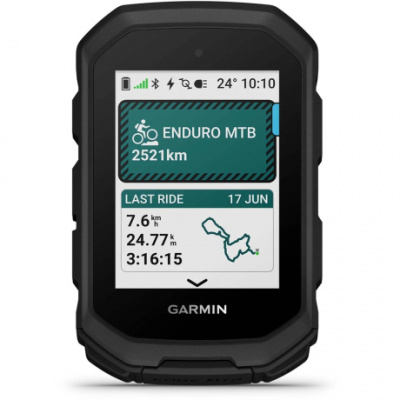
Garmin GPS Computers have earned their place at the front of more handlebars than anything else out there - and it's not hard to see why. The Edge series covers everything from stripped-back performance units to full-fat navigation computers with screens you can actually read in February drizzle. Whatever you're doing - chasing a personal best on a familiar loop, picking your way through unmarked green lanes, or just wanting a route you can trust not to vanish under a canopy of trees - there's an Edge that fits the brief.
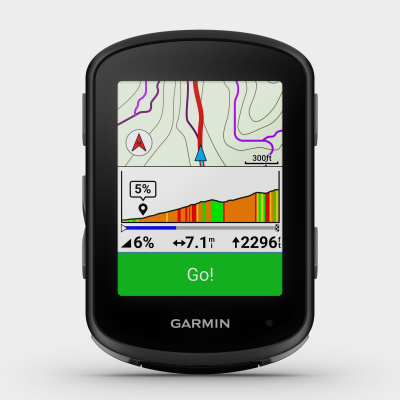
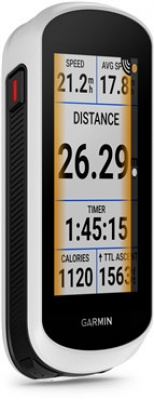
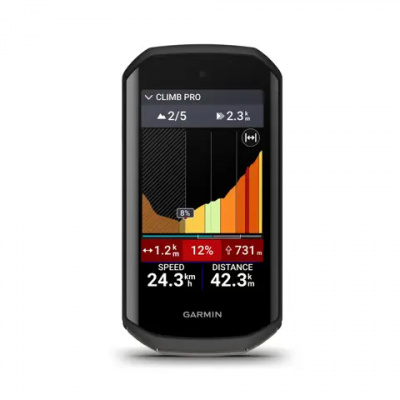
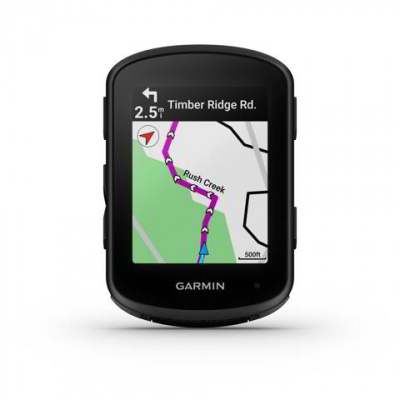
Multi-band GNSS is the headline tech across the range, pulling signal from multiple satellite systems at once so accuracy holds up where single-band units stutter: dense woodland, deep valleys, the kind of tight urban streets that swallow GPS like a black hole. ClimbPro gives you gradient and remaining ascent data before a climb bites, while ANT+ and Bluetooth (BLE) dual-protocol connectivity means your sensors - power meter, heart rate strap, radar - pair fast and stay paired. IPX7 waterproofing means British rain isn't a factor. Strava Live Segments, structured workout guidance, incident detection - it all flows through the Garmin Connect app ecosystem. Browse the range below and find your match.
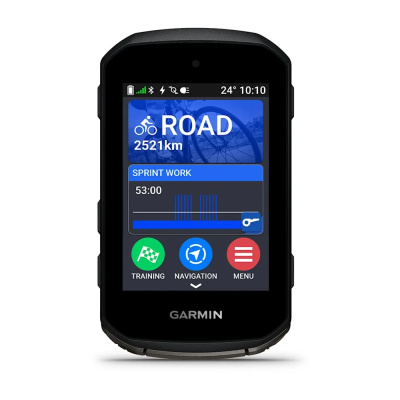
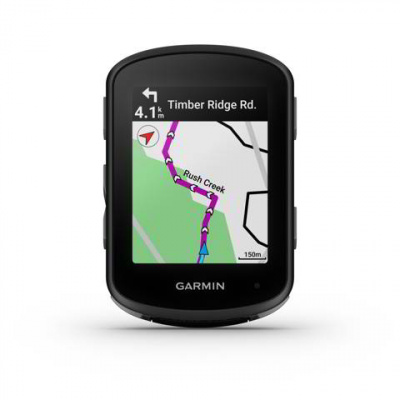
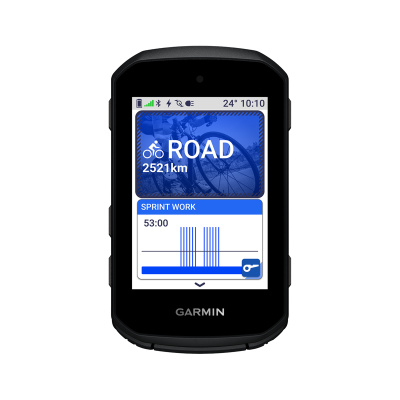
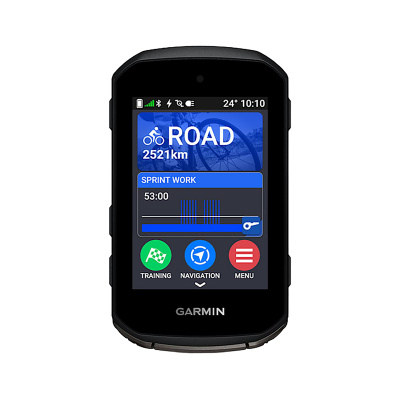
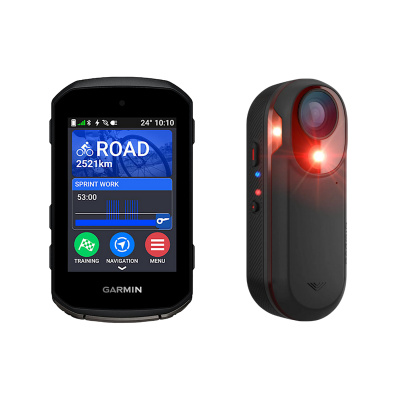
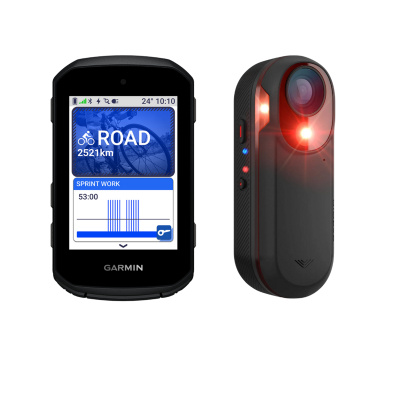
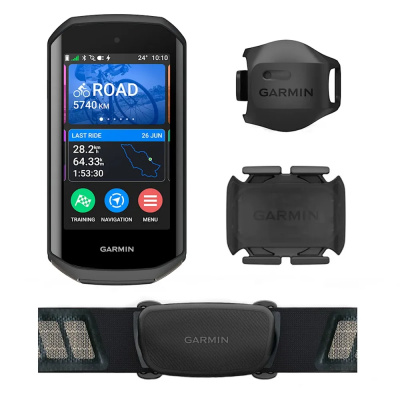
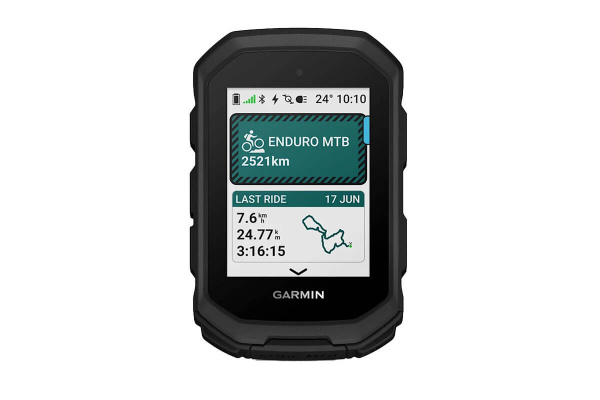
Prices and availability can change quickly. Delivery charges are not always included in listed prices.
Final price, stock status and delivery terms are set by retailer. We may receive a commission on purchases made.
How the Ecosystem Actually Works
The hardware is only part of it. What makes Garmin GPS Computers genuinely useful day-to-day is the software layer sitting behind them. Garmin Connect is the hub - it's where your ride data lives, where you manage your device settings, and crucially, where you authorise third-party platforms. Connecting to Strava takes about ninety seconds: open the app, go to Connected Apps, select Strava, and authorise it. After that, every saved activity pushes across automatically over Wi-Fi or Bluetooth the moment you hit stop. TrainingPeaks works the same way, so if you're following a structured plan, your completed workouts feed straight into your calendar without any manual faff.
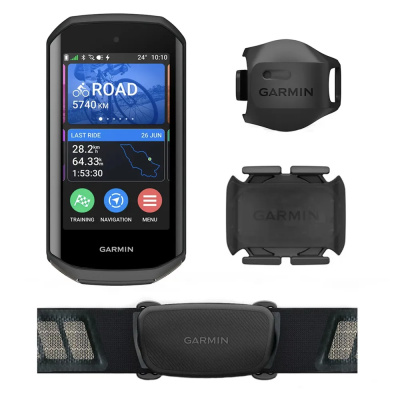
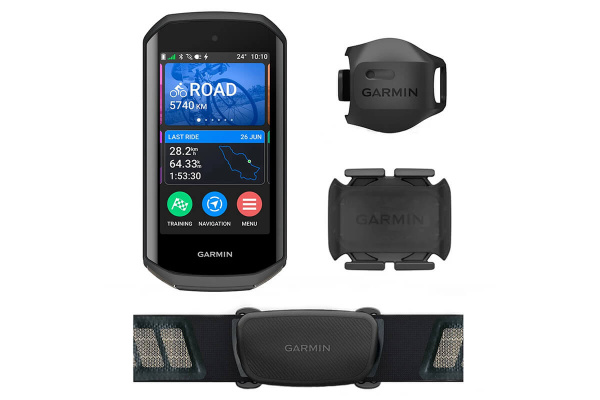
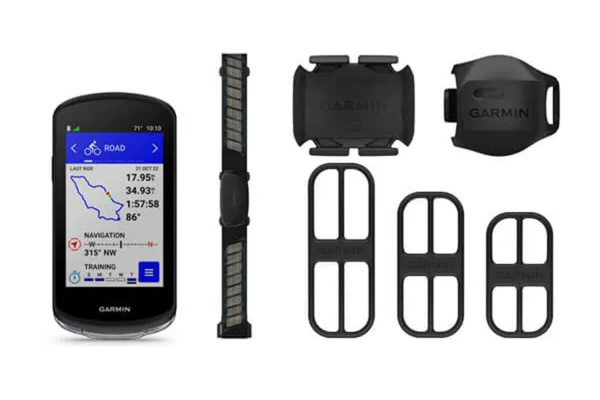
On the hardware side, dual-protocol ANT+ and Bluetooth (BLE) connectivity is what lets you run a full sensor setup without compromise. ANT+ is the standard for serious cycling sensors - rock-solid, low-dropout, and compatible with the widest range of kit. BLE adds flexibility for phone pairing and newer devices. Pair your Edge with Garmin HRM straps for heart rate data that feeds directly into training load calculations, or add Garmin power meters for wattage figures the unit can display, analyse, and use to set real-time effort targets. The Edge doesn't just display numbers - it contextualises them. That's the difference between a cycling computer and a data tool.
If you're weighing up the broader market, Wahoo GPS computers offer a cleaner, more minimal interface that some riders prefer, and Hammerhead GPS computers have carved out a following with their mapping approach - both worth a look before you commit.
Battery Life and Cold-Weather Reality
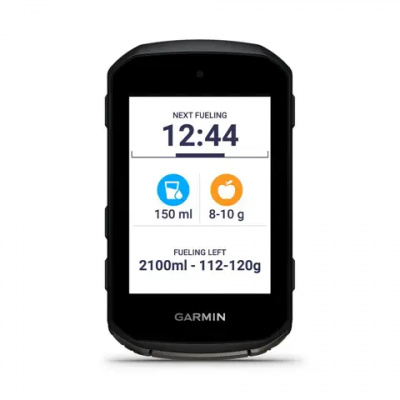
The claimed battery figures are a starting point, not a guarantee. In mild conditions with a moderate screen brightness and a handful of sensors connected, the Edge 540 will comfortably hit its advertised numbers. The Edge 1040 pushes further - up to 35 hours in standard GPS mode on paper. But ride in January, temperature sitting around two or three degrees, and lithium-ion cells lose capacity noticeably. Factor in that degradation for any ride where you genuinely can't afford to run dry.
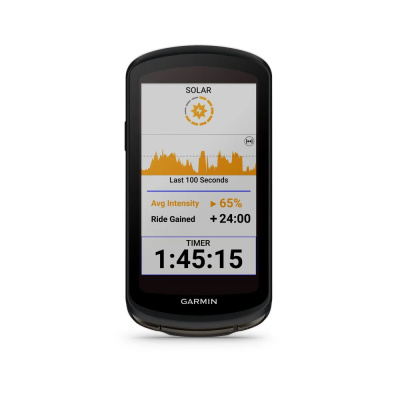
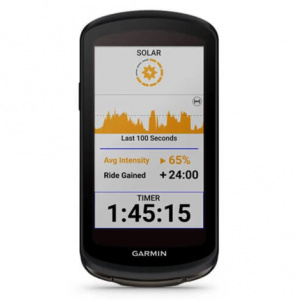
Solar charging on the 540 Solar, 840 Solar, and 1040 Solar models is worth having, though its value is honest rather than transformative in the UK. A long summer day in the Dales or on the South Downs might add a meaningful buffer; a February brevet in Scotland, less so. Think of solar as insurance rather than a primary power source. For multi-day riding or ultra events, it counts for more.
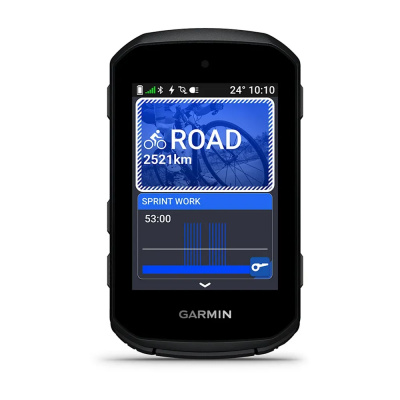
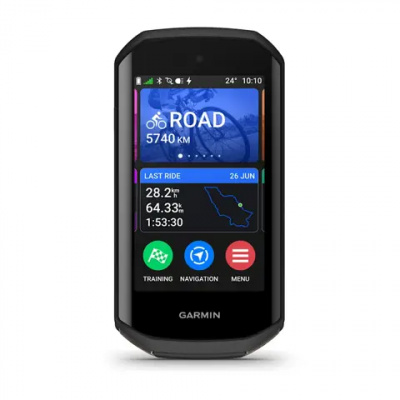
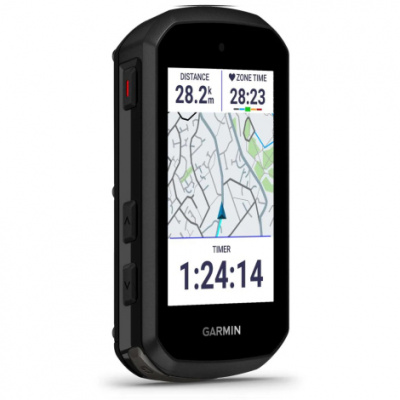
The button-versus-touchscreen debate is genuinely practical, not just preference. The Edge 540 is buttons-only - if you ride through winter in thick full-finger gloves, that matters. Touchscreen models like the 840 and 1040 are capacitive and reasonably responsive, but they're not infallible with wet or heavily gloved fingers. The 840 gives you both - physical buttons as backup - which is worth considering if your typical ride involves mixed conditions. Best Garmin bike computer for year-round UK use? The 840's hybrid approach is hard to argue against.
Setting up Garmin Edge units to conserve battery is straightforward: drop screen brightness to around 30 - 40 percent, reduce GPS recording interval slightly, and turn off features you're not using - live tracking, phone notifications. Small tweaks that extend your range when it matters.
Mounting, Weatherproofing, and Keeping It Running
IPX7 waterproofing means the Edge units can handle submersion up to a metre for thirty minutes - more than enough for a British winter commute or a soaked sportive. Road spray, riding through puddles, an unexpected downpour on the Brecon Beacons: none of it is a problem. The charging port cover is the one area to keep an eye on - keep it properly seated after charging and it stays watertight.
Getting your computer mounted securely and keeping it charged and maintained is as important as the device itself. For out-front mounts, spares, and charging solutions, Garmin's own accessories are worth using to maintain waterproof integrity - you can browse Garmin computer mounts, computer spares, and charging cables to keep your setup complete and road-ready.
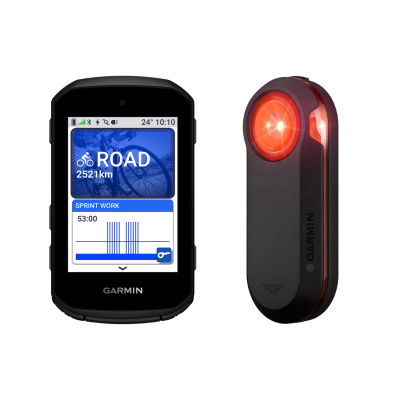
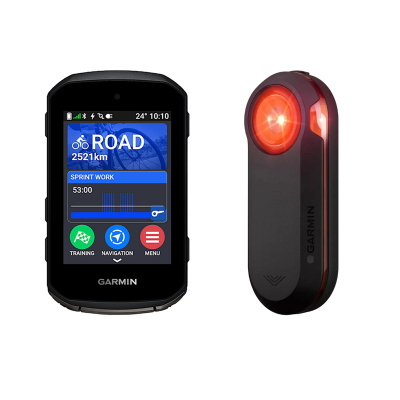
If you're building out a full connected setup, Garmin lights integrate with the Varia radar system and your Edge unit - the computer displays approaching vehicle alerts directly on screen, which is a genuinely useful safety layer on fast descents or busy A-roads. And if your training extends to the turbo over winter, Garmin-compatible smart turbo trainers pair directly via ANT+ FE-C, keeping your indoor and outdoor data in the same ecosystem.
Garmin Gps Computers FAQs
Which Garmin Edge is best for cycling?
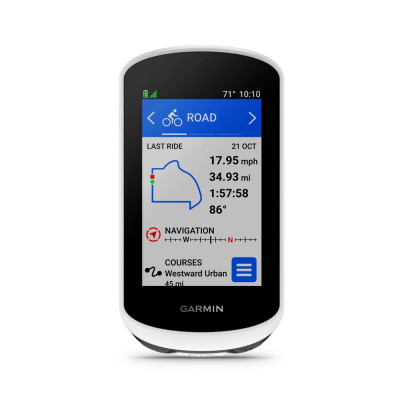
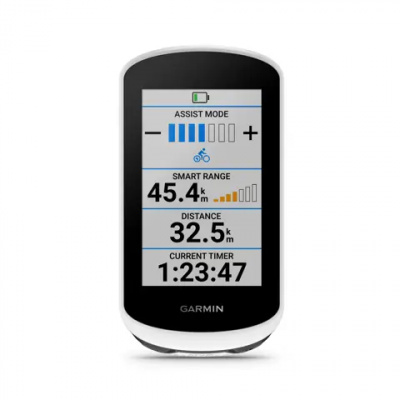
It depends on how you ride. The Edge 540 suits performance-focused riders who want tactile buttons and a compact form factor - handy when you're wearing gloves in February. The Edge 1040 is the one for long-distance and touring, with a large screen and the longest battery life in the range. The Edge 840 sits between the two, offering both touchscreen and physical buttons, which makes it the most versatile option for riders who do a bit of everything.
How long does a Garmin Edge battery last?
Standard GPS mode gives you roughly 15 hours on the Edge 540 and up to 35 hours on the Edge 1040 - but cold UK winter temperatures will knock that back. Lithium-ion cells lose capacity in the cold, so a genuinely freezing January ride will deliver less than the spec sheet suggests. Solar editions help extend range, most usefully on longer summer days. Reducing screen brightness and disabling unused features is the easiest way to stretch battery life when you need it.
How do I connect my Garmin to Strava?
Open the Garmin Connect app, go to Settings, tap Connected Apps, and select Strava. Authorise the connection and you're done. From that point, every ride you save on the head unit syncs automatically to Strava via Bluetooth or Wi-Fi - no manual uploading needed. Strava Live Segments also activate on your Edge once the accounts are linked, so segment data appears on screen in real time during your ride.