
Fitbit Gps & Sports Watches
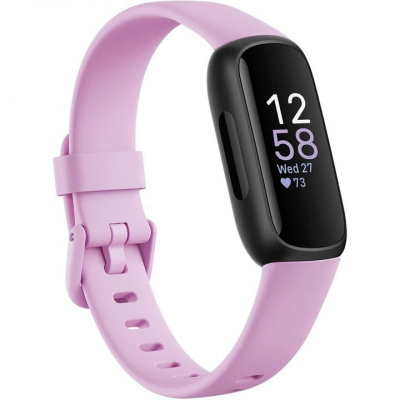
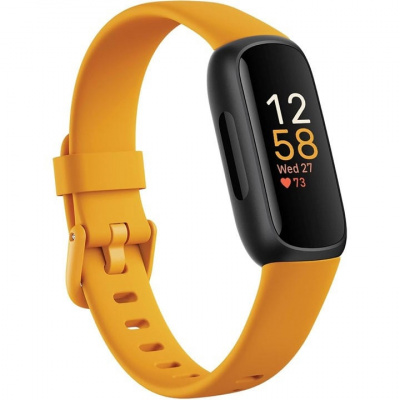
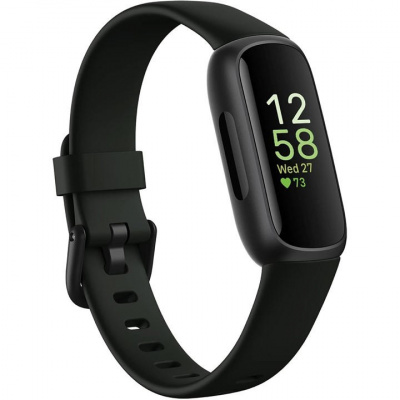
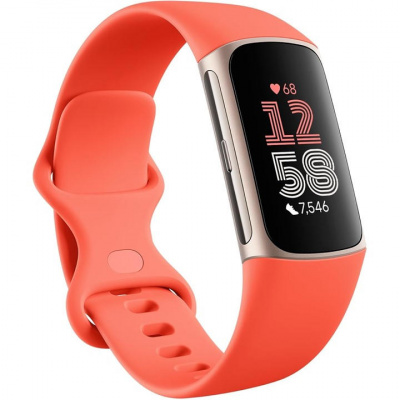
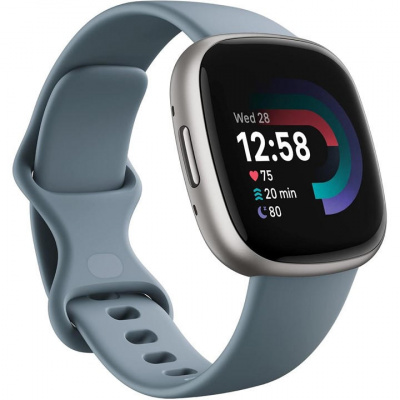
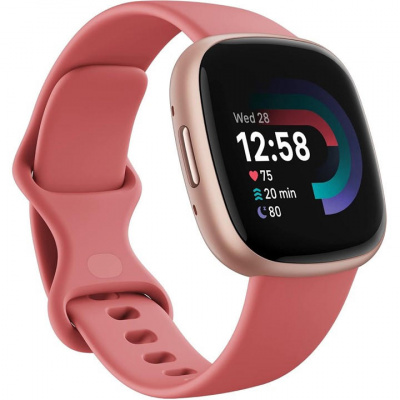
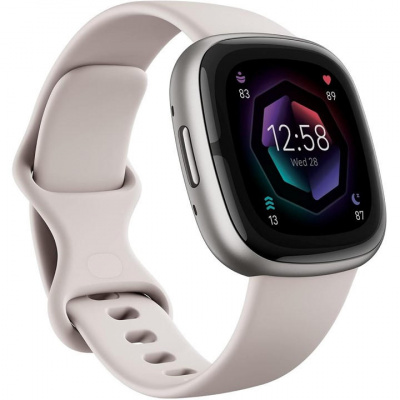
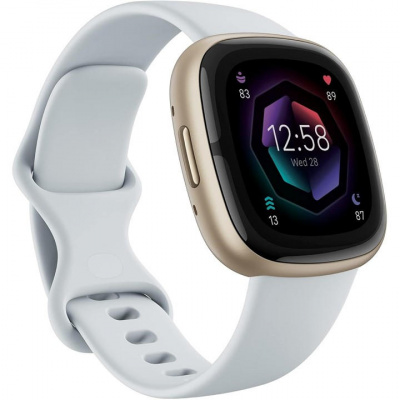
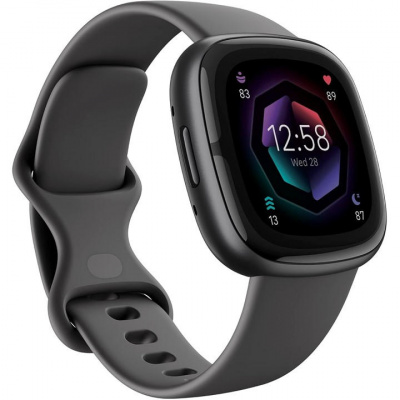
Fitbit GPS & Sports Watches sit in an interesting gap in the market - capable enough to log your rides properly, simple enough that you're not wading through menus before you've even clipped in. For commuters, fitness riders, and anyone who wants reliable wrist-based tracking without the complexity of a dedicated cycling computer, they make a lot of sense. Models like the Charge, Versa, and Sense series carry built-in GPS, so your route, speed, and distance are captured independently - no phone required, no battery anxiety mid-ride.
The PurePulse optical heart rate sensor runs continuously, feeding data into Active Zone Minutes - Fitbit's way of telling you how hard you're actually working across your training week. It's not the same as a chest strap for precision, but for most riders putting in base miles or commuting across town, it's more than adequate. Strava auto-sync ties everything together on the back end, so your rides land in your feed without any manual faff. The IPX8 water resistance rating means a sudden British downpour won't end your session - or the watch. Worth knowing the touchscreen display can get temperamental in heavy rain, but we'll get into that.
Prices and availability can change quickly. Delivery charges are not always included in listed prices.
Final price, stock status and delivery terms are set by retailer. We may receive a commission on purchases made.
Tech Ecosystem and How Strava Sync Actually Works
Fitbit uses Bluetooth LE to talk to your phone - and that's the full extent of its wireless connectivity. There's no ANT+ support, full stop. That means external cycling sensors - power meters, cadence sensors, speed sensors - won't pair with your Fitbit. It simply isn't designed for that kind of data pipeline. If you're already running a Garmin or Coros watch and relying on a power meter for structured training, Fitbit isn't going to slot into that setup.
What it does well is the back-end. Once you've linked your Fitbit account to Strava through the Connected Apps section in the Fitbit app, every GPS-tracked ride pushes across automatically. No exports, no cables, no third-party apps. For Fitbit Strava integration, it's genuinely seamless - record a ride, get home, and it's already on your Strava profile by the time you've put the kettle on. That's the kind of frictionless experience that keeps casual and intermediate riders actually using their data rather than ignoring it.
The Fitbit cycling tracking mode gives you a dedicated exercise profile with route mapping, pace, and distance. It won't replace the analytical depth of a head unit, but for anyone whose main goal is logging consistent effort and keeping tabs on weekly mileage, the ecosystem does the job tidily. Polar offers a comparable health-tracking approach if you want to compare how the platforms stack up on long-term training load analysis.
Battery Life When You're Actually Riding
The advertised battery figures look generous on paper. Six days in smartwatch mode sounds great - until you switch on continuous GPS for a longer ride and watch that number compress fast. Depending on the model, you're realistically looking at five to twelve hours of active GPS tracking before you need a charge. That covers most sportive distances and commutes comfortably, but it's worth knowing if you're planning a big day out in the Peaks or a longer gravel loop.
Cold weather compounds this. Lithium-polymer cells don't like near-freezing temperatures, and UK winters being what they are, you can expect noticeably shorter GPS runtime on bitter January mornings compared to a dry day in May. Keep that in mind if you're heading out for a long winter ride - a full charge the night before isn't optional, it's essential.
Screen visibility is genuinely good on the premium models. The AMOLED touchscreen display cuts through overcast grey skies far better than older LCD panels, which tend to wash out in flat light. You'll want always-on display mode enabled for quick glances while riding, though - and yes, that eats into your battery life. It's a real trade-off: readability at speed versus runtime. Most riders find a middle ground by using always-on only during the ride itself and switching it off otherwise.
Setup, Wrist Fit, and Handling British Weather
A quick note on mounting before you go hunting for bar adapters: if you use a generic rubber block mount to put the Fitbit on your handlebars, the optical heart rate sensor stops working. It needs consistent contact with your wrist to read your pulse. Bar mounting gives you better screen visibility, but you lose HR data entirely - so decide what matters more to you before you commit to a setup. For most riders, wearing it snugly on the wrist and using a cycling computer for navigation is the cleaner solution.
The best Fitbit for cycling in terms of durability is any model carrying the IPX8 water resistance rating, which covers submersion up to 50 metres. That's well beyond what a UK ride will throw at it - heavy rain, puddle splashes, or a quick rinse under the tap post-ride are all fine. What isn't fine is trying to interact with a capacitive touchscreen when it's covered in rainwater. The display becomes unresponsive, which is frustrating if you're trying to pause a session mid-ride. Thick winter gloves make this worse. It's not a dealbreaker, but it's worth setting up auto-pause and keeping your frequently used controls configured before you head out, rather than relying on touchscreen interaction once it's wet.
Fitbit bike mount setup is straightforward if you're going the wrist-only route - just make sure the band sits two fingers above your wrist bone for the most accurate optical HR readings. That's the standard guidance for any optical sensor watch, and Fitbit's PurePulse performs best when there's minimal movement between the sensor and skin. A slightly tighter fit than you'd wear casually is worth it during a ride. If you're after a device with broader sensor compatibility for a more data-heavy setup, it's worth browsing HDrop or Specialized options alongside your Fitbit research.
Fitbit Gps & Sports Watches FAQs
Can I use a Fitbit for cycling?
Yes. Fitbit devices have a dedicated cycling exercise mode, and models with built-in GPS - like the Charge, Versa, and Sense series - will track your route, speed, and distance without needing your phone nearby. It won't replace a cycling computer for detailed metrics, but for everyday ride logging it works well.
How do I connect my Fitbit to Strava?
Open the Fitbit app, go to your account settings, and find Connected Apps. Authorise Strava from there, and any GPS-tracked ride you record will sync to your Strava profile automatically once the ride is complete. No manual uploads needed.
Does Fitbit connect to cycling power meters or ANT+ sensors?
No. Fitbit watches use Bluetooth LE only and have no ANT+ support. That means they can't pair with external cycling sensors - power meters, cadence sensors, or speed sensors are all off the table. If sensor pairing is important to your training, a Garmin or Coros device is a more suitable choice.