
Elite Smart Turbo Trainers
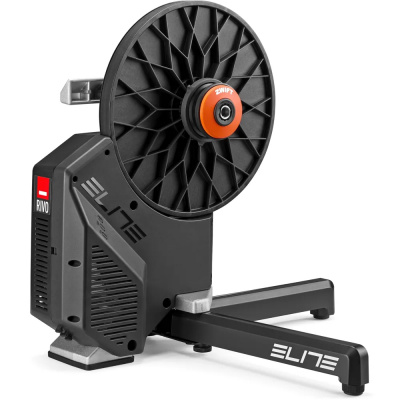
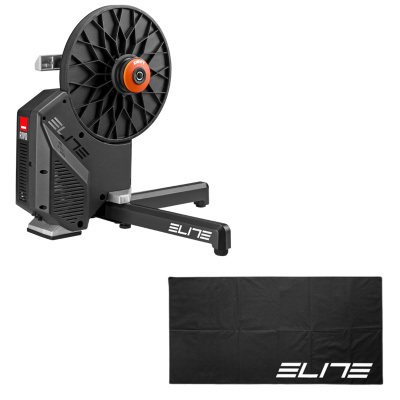
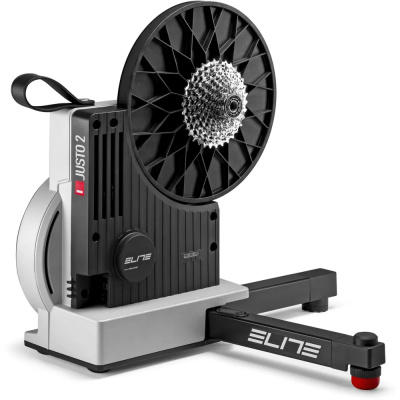
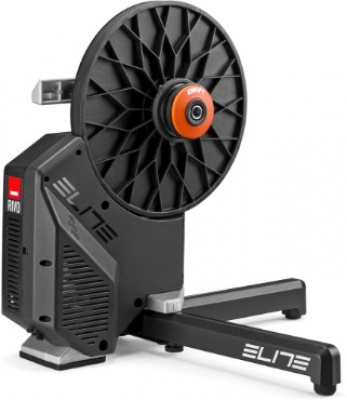
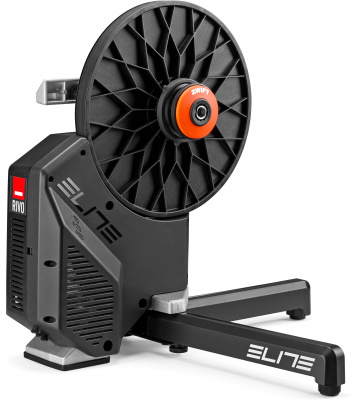
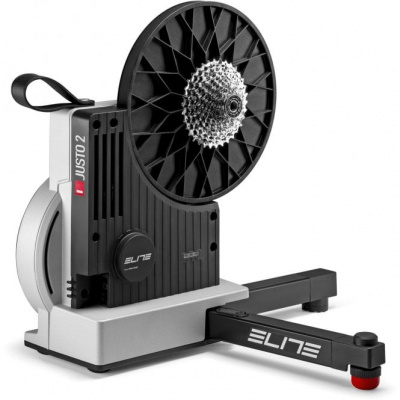
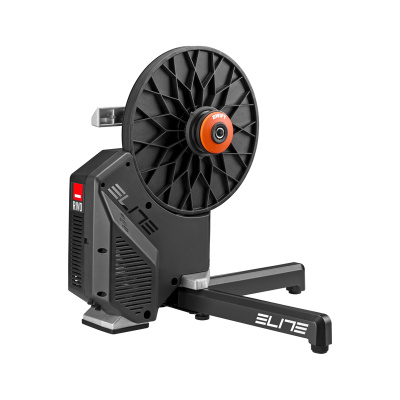
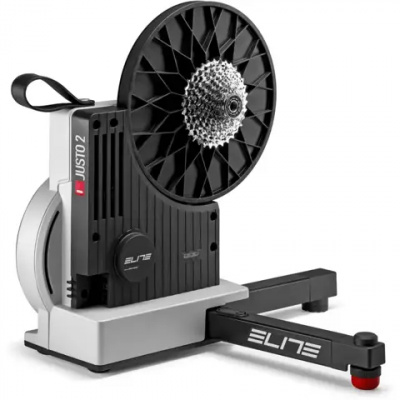
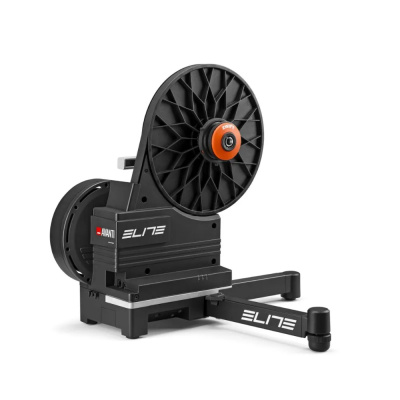
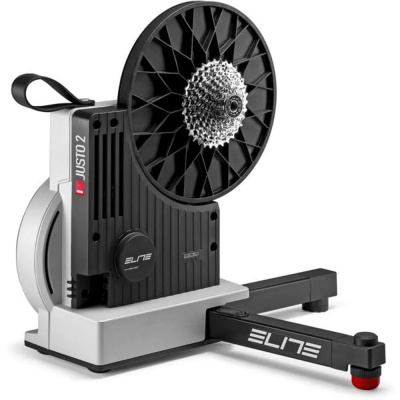
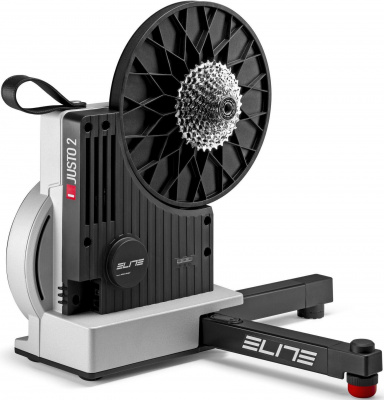
Elite smart turbo trainers take the guesswork out of indoor training - and if you've ever wrestled with a wheel-on trainer in a freezing garage at 6am, you'll know exactly why that matters. Elite's direct-drive lineup spans from the accessible Suito right up to the flagship Justo, each built around tight power accuracy, instant resistance response, and genuinely quiet operation. That last point counts for a lot in a terraced house or thin-walled flat.
What sets Elite apart is the depth of their interactive trainer ecosystem. Every smart model supports both ANT+ FE-C and Bluetooth Smart, so you're not locked into one platform or device. Zwift, TrainerRoad, Rouvy - they all play nicely. The Optical Torque Sensor found in the premium models delivers power figures you can actually train from, not just glance at. And with max gradient simulation ranging from 15% on the Suito to a leg-sapping 24% on the Justo, virtual climbs feel like the real thing - whether that's a Strava segment in your head or an actual Alpe du Zwift grind. Direct drive, solid construction, and a setup process that won't eat your evening. That's the pitch.
Prices and availability can change quickly. Delivery charges are not always included in listed prices.
Final price, stock status and delivery terms are set by retailer. We may receive a commission on purchases made.
Connectivity and Platform Compatibility
Elite smart trainers broadcast over both ANT+ FE-C and Bluetooth Smart simultaneously, which means you're not choosing between your laptop running Zwift and your Garmin head unit recording the session - you can run both at once. Newer models in the range, including the Direto XR and Justo, support dual Bluetooth channels, so pairing a second device doesn't drop the first. That's the kind of practical detail that matters when your setup has grown beyond a single screen.
Getting connected to Zwift is straightforward. Plug the trainer in, give it a minute to wake up, then head to the pairing screen in Zwift and select your Elite trainer under both 'Power Source' and 'Controllable'. You can use Bluetooth directly from a phone or tablet, or go via an ANT+ dongle on a PC - whichever is more stable in your space. If you're on Rouvy or TrainerRoad the process is near-identical. Elite's own My E-Training app adds another layer if you want structured workouts without a subscription, and it handles firmware updates cleanly. One tip: if Bluetooth drops during a session, toggle the trainer off and on rather than hunting through app settings - it reconnects faster that way.
Power Accuracy and How It Feels to Ride
The headline figure on the Justo is plus or minus 1% power accuracy, driven by Elite's Optical Torque Sensor (OTS) - a laser-based measurement system that reads torque directly rather than relying on strain gauges that drift with temperature. That matters in a cold shed where a conventional sensor can read several percent off before it's warmed through. The Direto XR sits at around plus or minus 1.5%, and the Suito at plus or minus 2.5%. All perfectly usable for structured training; the gap only really shows if you're cross-referencing closely with a crank or pedal power meter.
Flywheel weight shapes how the trainer feels underfoot. The Justo runs a heavier flywheel than the Suito, and you notice it - the momentum through the pedal stroke feels closer to riding outside, rather than the slightly artificial snap of a lighter unit. ERG mode on both is responsive; hit a target wattage and the resistance clamps down within a couple of seconds. On steeper virtual gradients - anything over 15% - the Justo's 24% max simulation capability means the resistance actually loads up in a way that forces you to change gear or slow your cadence. The Suito tops out at 15%, which is still enough for most Zwift routes but will feel soft on the steeper segments of certain virtual races.
If you're comparing across the market, Wahoo smart trainers offer a comparable ride feel at similar price points, and Tacx smart trainers - now under the Garmin umbrella - bring their own ERG implementation worth considering. Garmin smart trainers integrate tightly with Garmin's ecosystem if you're already invested there. Elite's edge is the OTS accuracy on the Justo and a direct-drive lineup that covers a broader budget range without compromising the core connectivity.
Getting It Set Up and Keeping It Running in UK Conditions
Out of the box, Elite direct-drive trainers are straightforward. The main thing to check before you order is the cassette situation: if a model name ends in '-T', a cassette is included; if not, you'll need to fit one yourself. A standard 11-speed road cassette fits most models, but check freehub compatibility if you're running 12-speed. Fitting a cassette takes ten minutes with a chain whip and lockring tool - not a big job, but worth knowing about upfront.
The feet adjust for uneven floors, which is worth spending two minutes on before your first ride. An unlevel trainer affects the way the bike sits and can throw off your position across a long session. Garages and sheds with concrete floors are rarely perfectly flat.
Cold-weather calibration is worth taking seriously. In an unheated outbuilding, the trainer's internals need time to reach a stable operating temperature before a spindown calibration means anything. Ten minutes of easy pedalling before you run a spindown is the standard approach on models without auto-calibration - and for those models, every two to three weeks is a reasonable interval, or any time you've moved the trainer or the temperature has shifted significantly. The Justo and Direto XR-T handle this automatically, which removes one variable from your routine entirely.
Sweat and condensation are real issues in enclosed spaces. Wipe down the metal casing after sessions - not just for hygiene, but because surface corrosion can work into the adjustment points over time. It takes thirty seconds and extends the trainer's life considerably.
Looking for a wheel-on setup or need a trainer tyre? Check out Elite Regular Turbo Trainers and Elite Turbo Tyres. Need a riser block or sweat net? Visit our Elite Rollers page for balance-focused alternatives, or browse the full range of trainer accessories to finish your setup properly.
Elite Smart Turbo Trainers FAQs
How do I connect my Elite smart trainer to Zwift?
Plug the trainer in and let it wake up, then open Zwift and go to the pairing screen. Select your Elite trainer under both 'Power Source' and 'Controllable' - use Bluetooth if you're on a tablet or phone, or an ANT+ dongle on a PC. The trainer should appear within a few seconds. If it doesn't show up, a quick power cycle on the trainer usually sorts it.
Do Elite turbo trainers need to be plugged in?
Yes. Elite smart trainers require mains power to control electromagnetic resistance and transmit data to your device. Without power, the trainer still spins but resistance is fixed and uncontrollable - effectively useless for structured training or Zwift. Always plug in before pairing.
How often should I calibrate my Elite smart trainer?
On models without auto-calibration, a spindown every two to three weeks is a sensible habit. Also run one after moving the trainer or if your riding space has had a big temperature shift - common in unheated garages through winter. Always warm up with ten minutes of easy pedalling first; calibrating a cold trainer produces inaccurate results.