
Tacx Smart Turbo Trainers
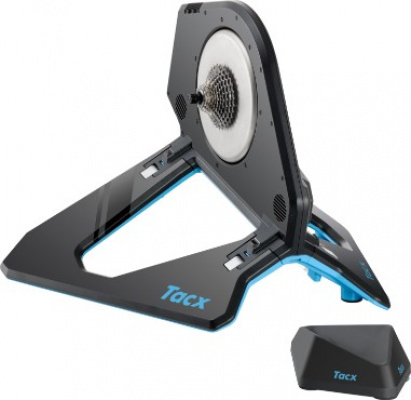
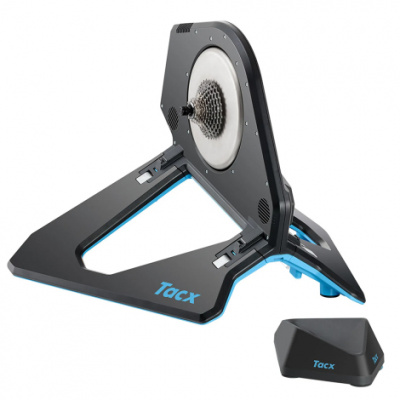
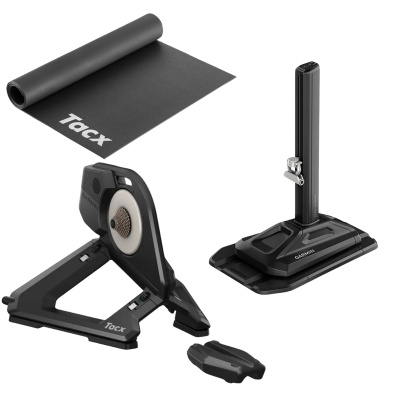
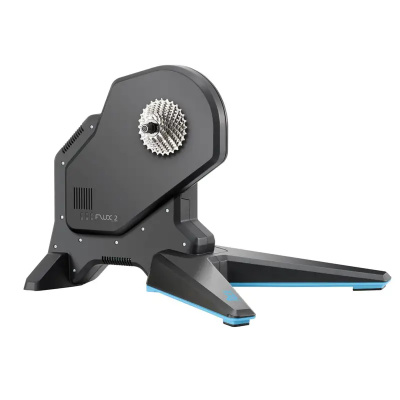
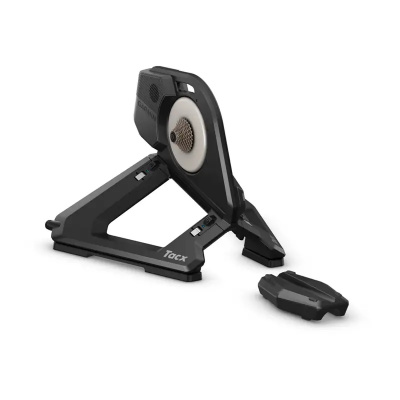
When ice coats the lanes and the forecast is a wall of grey, Tacx Smart Turbo Trainers turn your indoor sessions from grudging maintenance rides into structured, data-rich training blocks. Now part of the Garmin ecosystem, Tacx has refined its direct-drive lineup into two clear camps: the flagship Neo series, with near-silent operation and power accuracy to within 1%, and the more accessible Flux series, which brings direct-drive performance to a broader price range at under 2.5% accuracy. Both connect via Bluetooth Smart and ANT+ FE-C, meaning Zwift, TrainerRoad, and the Tacx Training App all pair without fuss. ERG mode locks your power output to the watt during intervals - no more drifting off target mid-effort. For riders in UK terraced houses or flats, the near-silent operation of a direct-drive unit is a genuine game-changer; you can be grinding through a threshold block while the rest of the house sleeps. Maximum resistance hits 2,200W and gradient simulation reaches 25%, so whether you're chasing a Zwift KOM or keeping your winter base miles honest, there's headroom to spare.
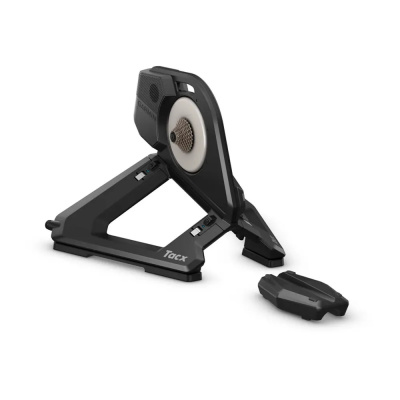
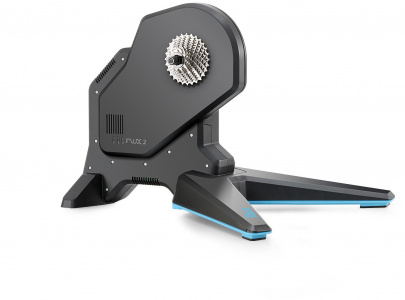
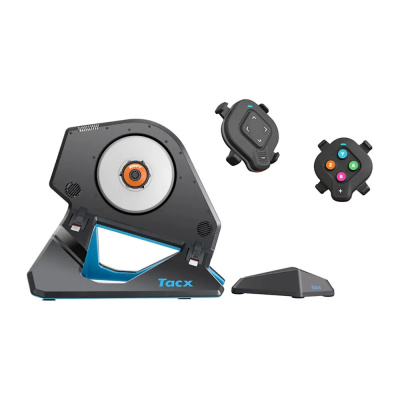
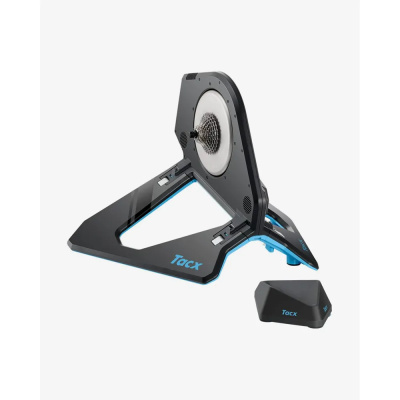
Prices and availability can change quickly. Delivery charges are not always included in listed prices.
Final price, stock status and delivery terms are set by retailer. We may receive a commission on purchases made.
Tech Ecosystem and App Integration
Tacx Smart Turbo Trainers broadcast over both Bluetooth Smart and ANT+ FE-C simultaneously, which matters more than it sounds. It means your laptop can run Zwift over Bluetooth while a Garmin Edge head unit picks up power data over ANT+ in the background - no signal juggling, no dropped connections. Pairing with Zwift takes about thirty seconds: wake the trainer, open the pairing screen, and your Tacx shows up under both 'Power Source' and 'Controllable'. Done. Wahoo trainers follow a similar pairing logic, but Tacx's native integration with Garmin Connect and Garmin Edge devices gives it a clear edge if you're already in that ecosystem - your indoor and outdoor power data lines up neatly without any manual syncing.
ERG mode is where structured training really clicks. Set a target wattage in TrainerRoad or the Tacx Training App and the trainer adjusts resistance automatically as your cadence shifts, keeping you precisely on the prescribed effort. Spin faster and resistance drops; slow down and it bites back. It removes the cognitive load of chasing numbers and lets you focus on the work. One thing worth knowing: ERG mode can create a 'spiral of death' if you slow drastically - keep cadence above 80rpm and it behaves predictably. The Tacx Training App also offers guided video routes and structured plans, which is useful if you're not yet subscribed to a third-party platform.
Real-World Performance and Ride Feel
The difference between the Neo series and the Flux series isn't just accuracy figures on a spec sheet - it's something you notice in the quality of resistance. The Neo 2T uses a virtual flywheel, simulating inertia electronically rather than through a spinning mass. This lets it do something no physical flywheel can: replicate the texture of different surfaces. Ride over virtual cobbles on Zwift's Paris-Roubaix routes and the Neo 2T produces a subtle buzz through the drivetrain and frame. It's not rattling-your-fillings stuff, but it adds a layer of presence that makes long sessions feel less like riding a stationary object.
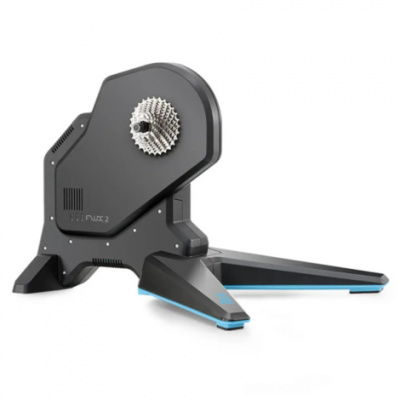
The Flux series uses a conventional flywheel weight - heavier than many wheel-on trainers, which keeps momentum feeling natural through pedal strokes. Power accuracy sits at under 2.5%, which is perfectly respectable for training purposes; you're not going to see meaningful drift between sessions. Gradient simulation on the Neo 2T stretches to 25%, while the Flux 2 handles up to 16% - more than sufficient for replicating anything short of the steepest Alpine hairpins. Noise-wise, both are quiet enough that the main sound in the room will be your drivetrain and your own breathing. If you've ever had a neighbour knock because of a wheel-on trainer, the step up to direct drive is immediately obvious. For a different approach to indoor riding, Tacx rollers are worth a look if you're after balance training rather than structured power work.
Comparing across brands, Elite smart trainers offer strong competition at similar price points, particularly in the mid-range. The trade-off tends to come down to software ecosystem: if you're Garmin-first, Tacx is the natural fit. If you're platform-agnostic, it's worth comparing flywheel weight and resistance curves directly.
Setup, Mounting and UK Winter Durability
Out of the box, setting up a direct-drive Tacx is straightforward. You'll need to fit a cassette - Tacx Neo and Flux units ship without one, so factor that in if you're switching from a wheel-on setup. A standard 10, 11, or 12-speed road or MTB cassette fits the freehub body depending on your drivetrain. Before your first ride, run the firmware update through the Tacx Utility app; it takes a few minutes and ensures ERG mode response and power accuracy are at their best from the start. This is also where you'd perform a spin-down calibration on Flux models - more on that below.
Cold, damp UK garages are the real proving ground. Condensation can form on a cold unit when you bring it into a warmer space, and sweat is corrosive over time. Wipe the trainer down after sessions, keep a fan running to move air, and a sweat net over the top tube is worth considering to protect the frame rather than the trainer itself. The Neo series handles unheated spaces well given its internal electronics are well-sealed, but common sense maintenance goes a long way. If you're running a wheel-on smart trainer like the Flow rather than a direct-drive unit, tyre choice becomes a practical consideration too - for dedicated indoor rubber and other consumables, our Tacx turbo trainer pages cover the full range of compatible setups. For axle adapters, freehub bodies, skewers, turbo accessories, spares, and turbo tyres for wheel-on models, we have dedicated category pages that go into proper detail - worth checking before you order if you're running a less common dropout standard or cassette spec.
One practical note on how to calibrate a Tacx smart trainer: Flux models respond best to a warm-up of around ten minutes before you run the spin-down. Cold calibrations can skew your numbers slightly, so get the drivetrain up to temperature first. The Neo series sidesteps this entirely with automatic calibration built in - no spin-down needed, ever.
Tacx Smart Turbo Trainers FAQs
Do I need to calibrate my Tacx smart trainer?
Flux series trainers benefit from a spin-down calibration every few weeks or after moving the unit - run it via the Tacx Utility app after a ten-minute warm-up for the most accurate figures. Neo series trainers handle calibration automatically, so there's nothing to do manually.
Can you use a Tacx smart trainer without being plugged in?
The Neo series can self-power from your pedalling, so it'll function without a mains connection in a pinch. That said, downhill simulation - where the trainer actually drives the pedals on descents - only works when it's plugged in.
How do I connect my Tacx trainer to Zwift?
Plug in and wake your trainer, then open Zwift and head to the pairing screen. Select your Tacx unit under both 'Power Source' and 'Controllable' - use Bluetooth if you're on a tablet or phone, or pair via an ANT+ dongle on a Windows or Mac machine.